python
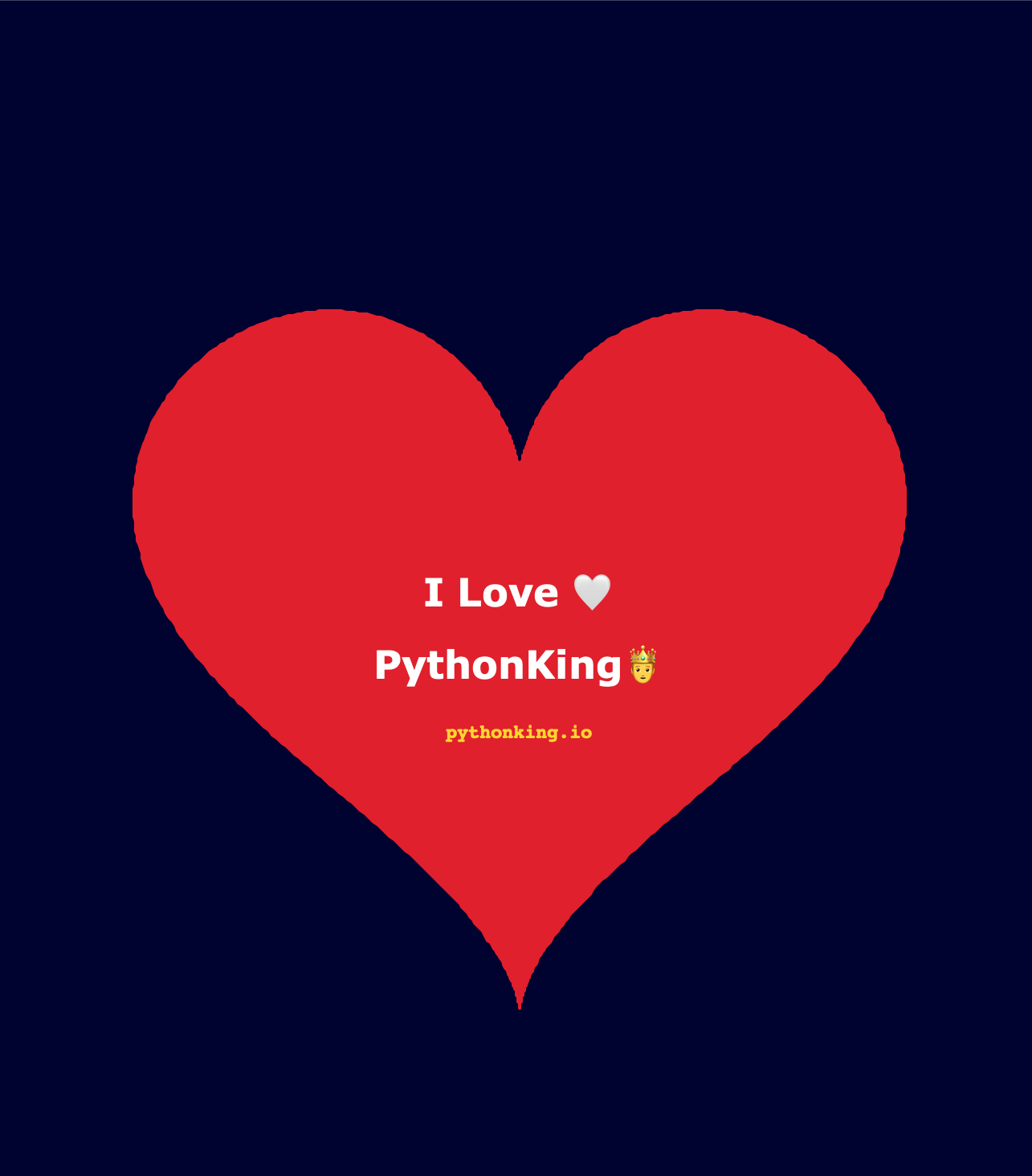
pythonKing Heart Drawing
Bring your creativity to life with the pythonK Heart Drawing Animation! This smooth, mesmerizing animation showcases a heartfelt design crafted with Python, perfect for developers, designers, and animation lovers alike.
pythonking-heart-drawing.py
1import turtle
2import math
3
4# Setup the screen
5screen = turtle.Screen()
6screen.setup(width=800, height=800)
7screen.bgcolor("#000030")
8screen.title("I Love PythonKing")
9
10# Setup the turtle for visible drawing
11t = turtle.Turtle()
12t.speed(2) # Speed 1 is slowest, 10 is fast. 2-3 gives a nice "trace" feel.
13t.hideturtle()
14t.pensize(2)
15
16def draw_complete_heart():
17    # 1. Start the filling process
18    t.up()
19    t.color("#E31B23") # PythonKing Brand Red
20
21    # Calculate starting point
22    x = 16 * math.sin(0)**3
23    y = 13 * math.cos(0) - 5 * math.cos(0) - 2 * math.cos(0) - math.cos(0)
24    t.goto(x * 15, y * 15)
25    t.down()
26    t.begin_fill()
27
28    # 2. Draw the heart path step-by-step
29    # We use a higher range to make the curve smooth
30    for i in range(0, 629):
31        angle = i / 100
32        x = 16 * math.sin(angle)**3
33        y = 13 * math.cos(angle) - 5 * math.cos(2 * angle) - 2 * math.cos(3 * angle) - math.cos(4 * angle)
34
35        # The turtle moves to each point, creating the animation
36        t.goto(x * 15, y * 15)
37
38    # 3. Complete the fill
39    t.end_fill()
40
41def write_branding():
42    # Move to text positions without drawing lines
43    t.up()
44    t.color("white")
45
46    # Main Title
47    t.goto(0, -10)
48    t.write("I Love 🤍", align="center", font=("Verdana", 24, "bold"))
49
50    # Subtitle
51    t.goto(0, -55)
52    t.write("PythonKing🤴", align="center", font=("Verdana", 24, "bold"))
53
54    # Website Link
55    t.goto(0, -90)
56    t.color("#FFD700") # Gold accent for the brand
57    t.write("pythonking.io", align="center", font=("Courier", 12, "bold"))
58
59# --- Execution ---
60draw_complete_heart()
61write_branding()
62
63# This is critical: it keeps the window open so the branding stays!
64turtle.done()
Ready to Level Up?
Stop guessing what to learn next. Get the structured path that separates senior engineers from everyone else.
Grab Your Free Roadmap